01
Cruise
Default driving state
7 scenarios
Activate Navigation
User confirms destination · Navigation starts
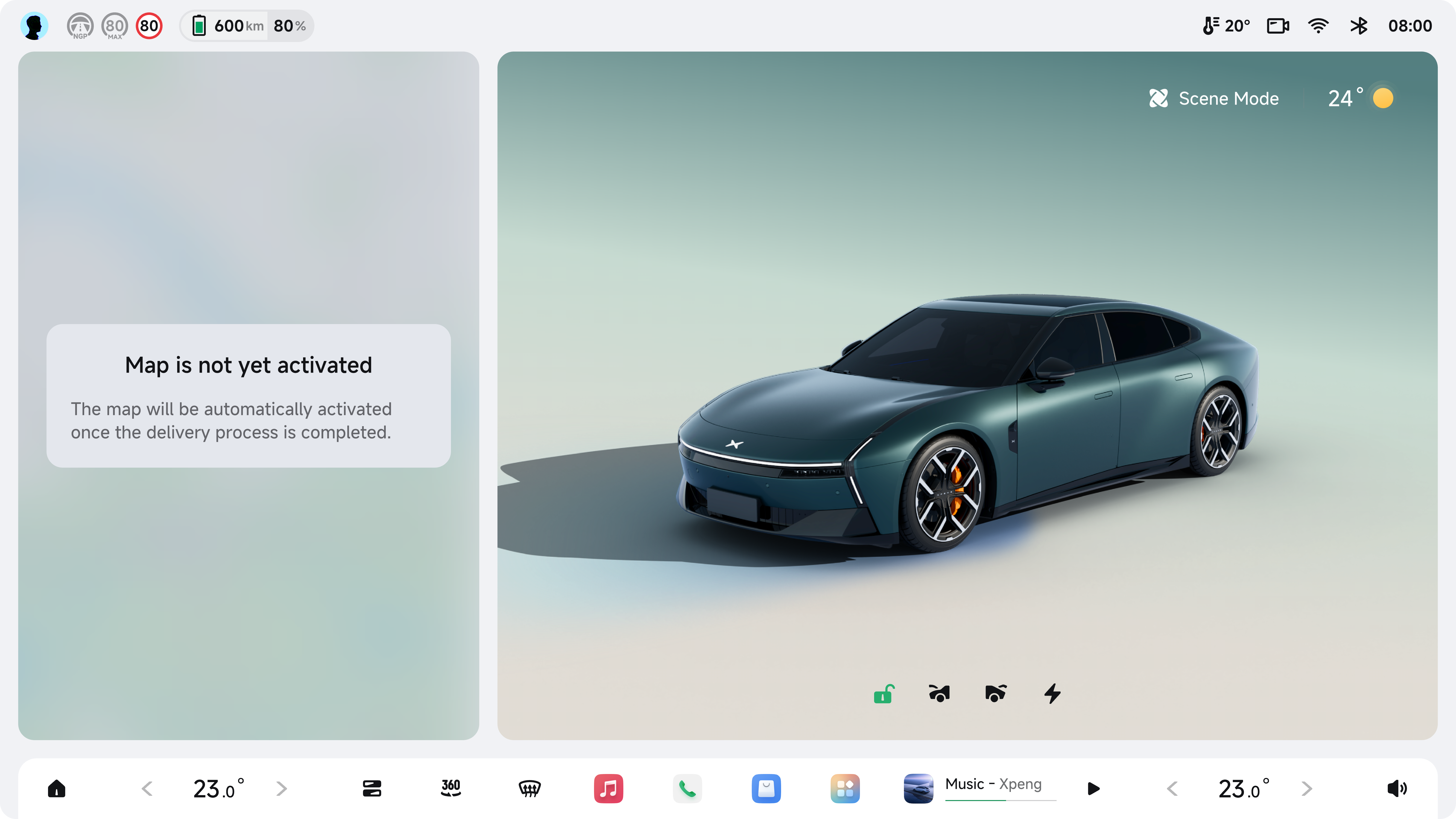 1/3
1/3
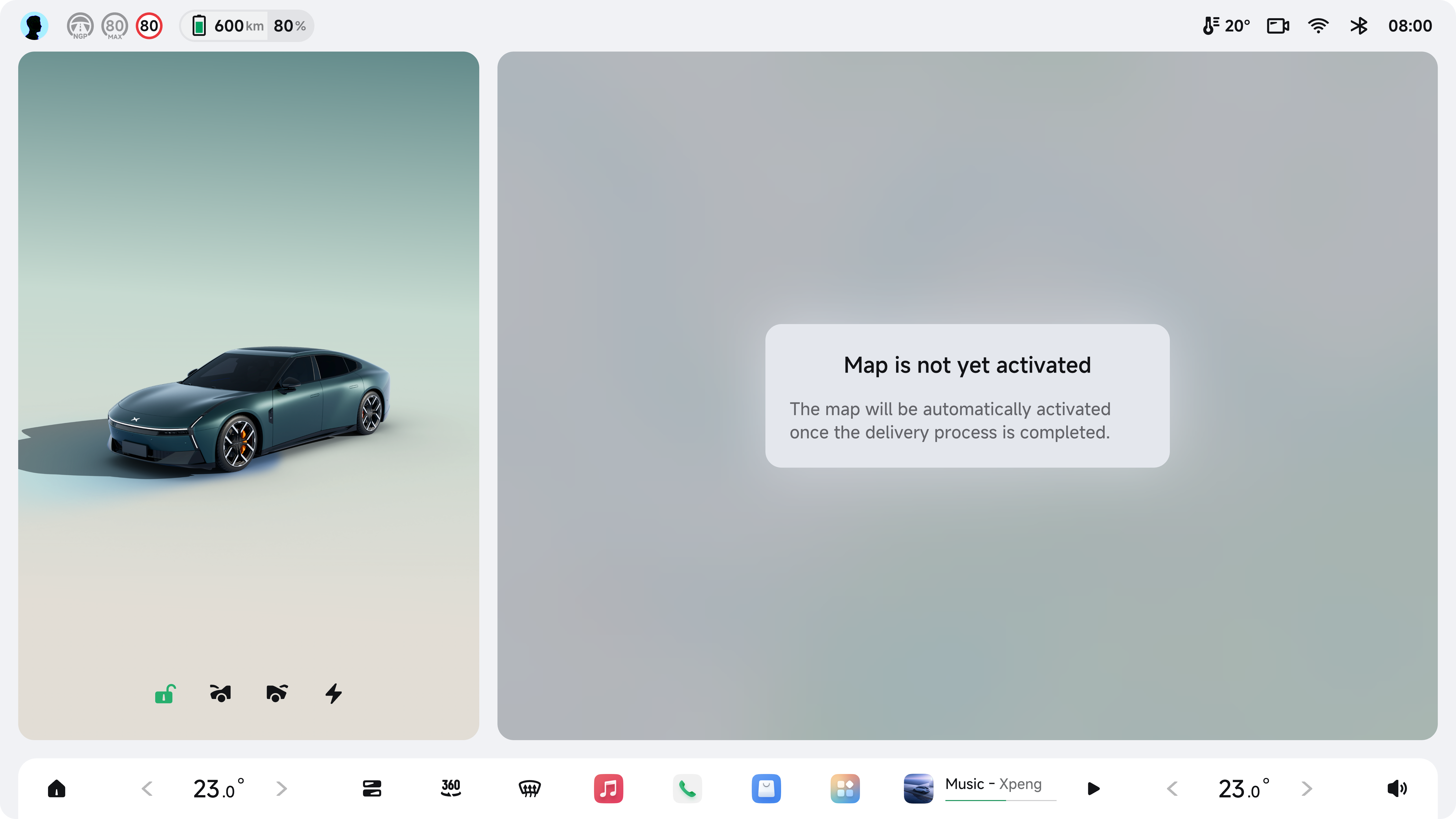 2/3
2/3
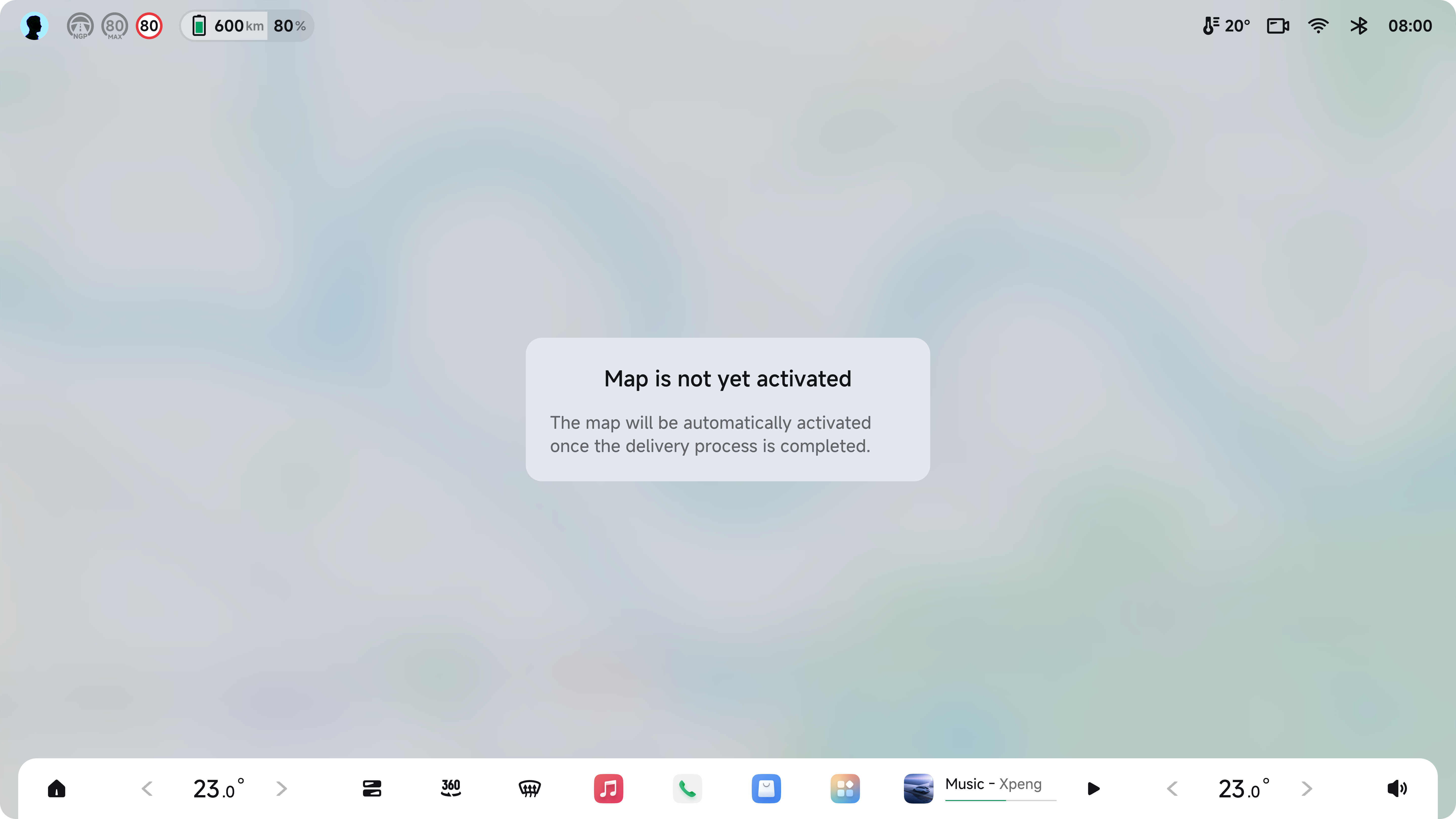 Full
Full
Initialization Screen
Map loading · Pre-activation state
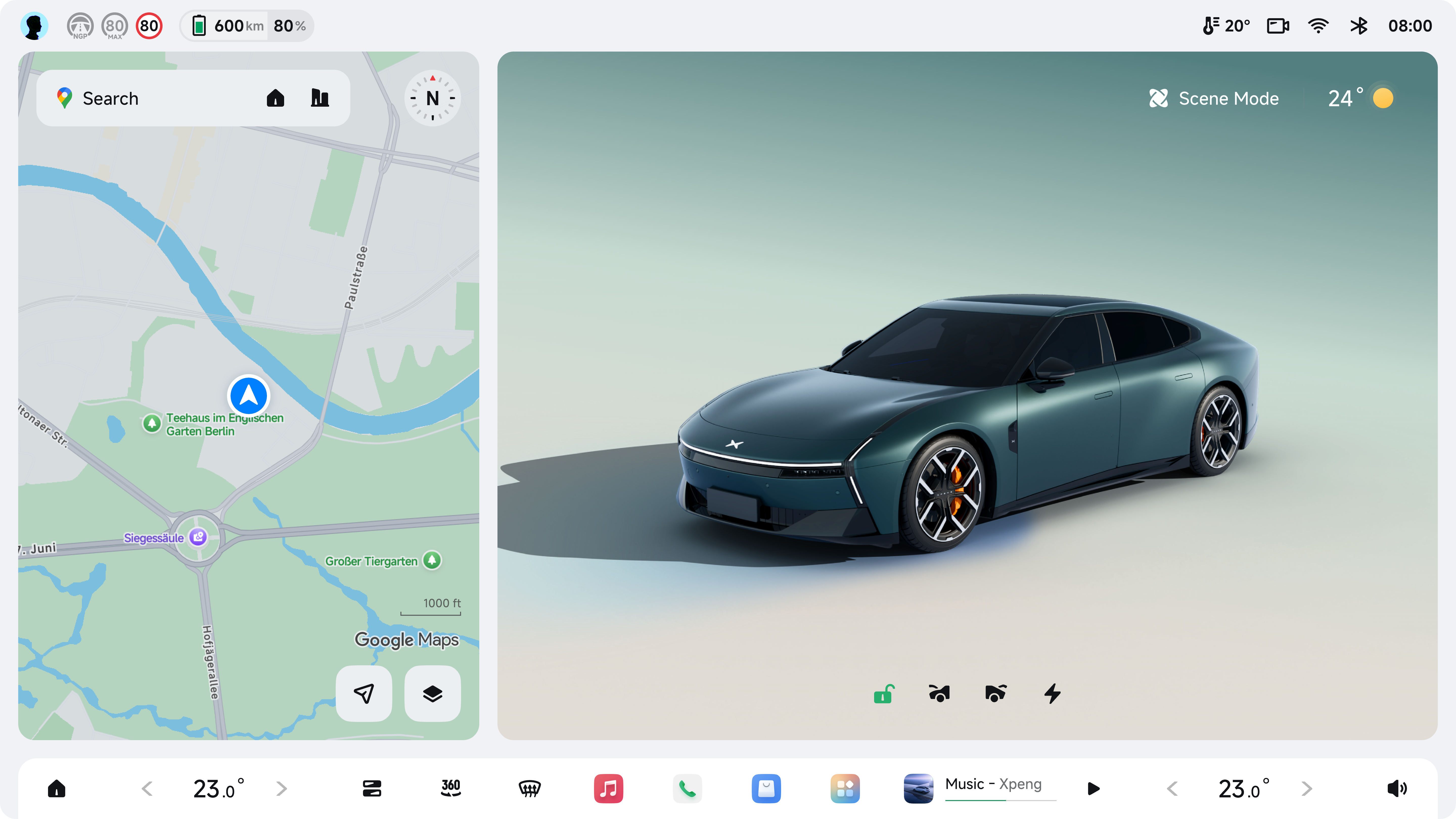 1/3
1/3
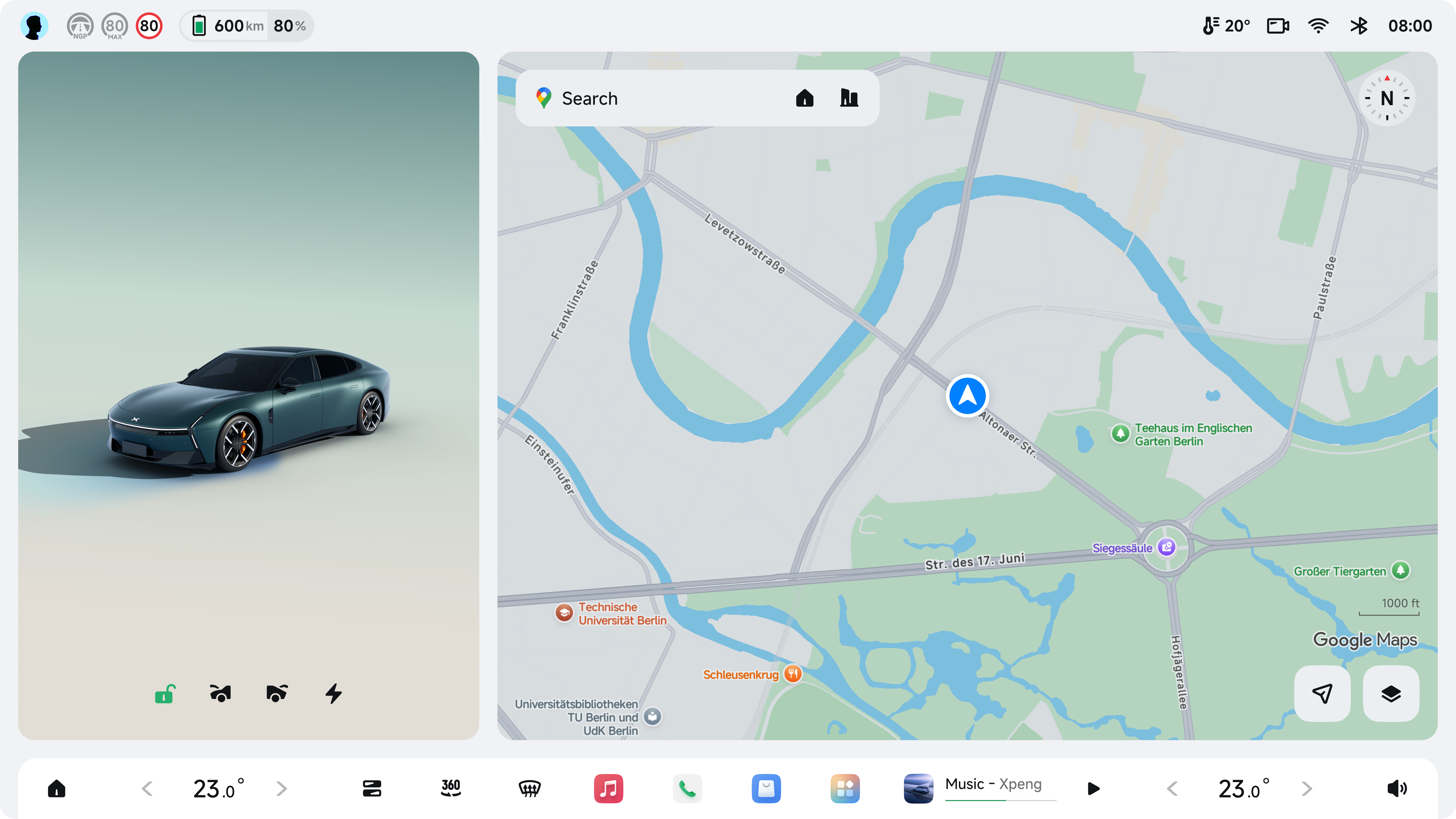 2/3
2/3
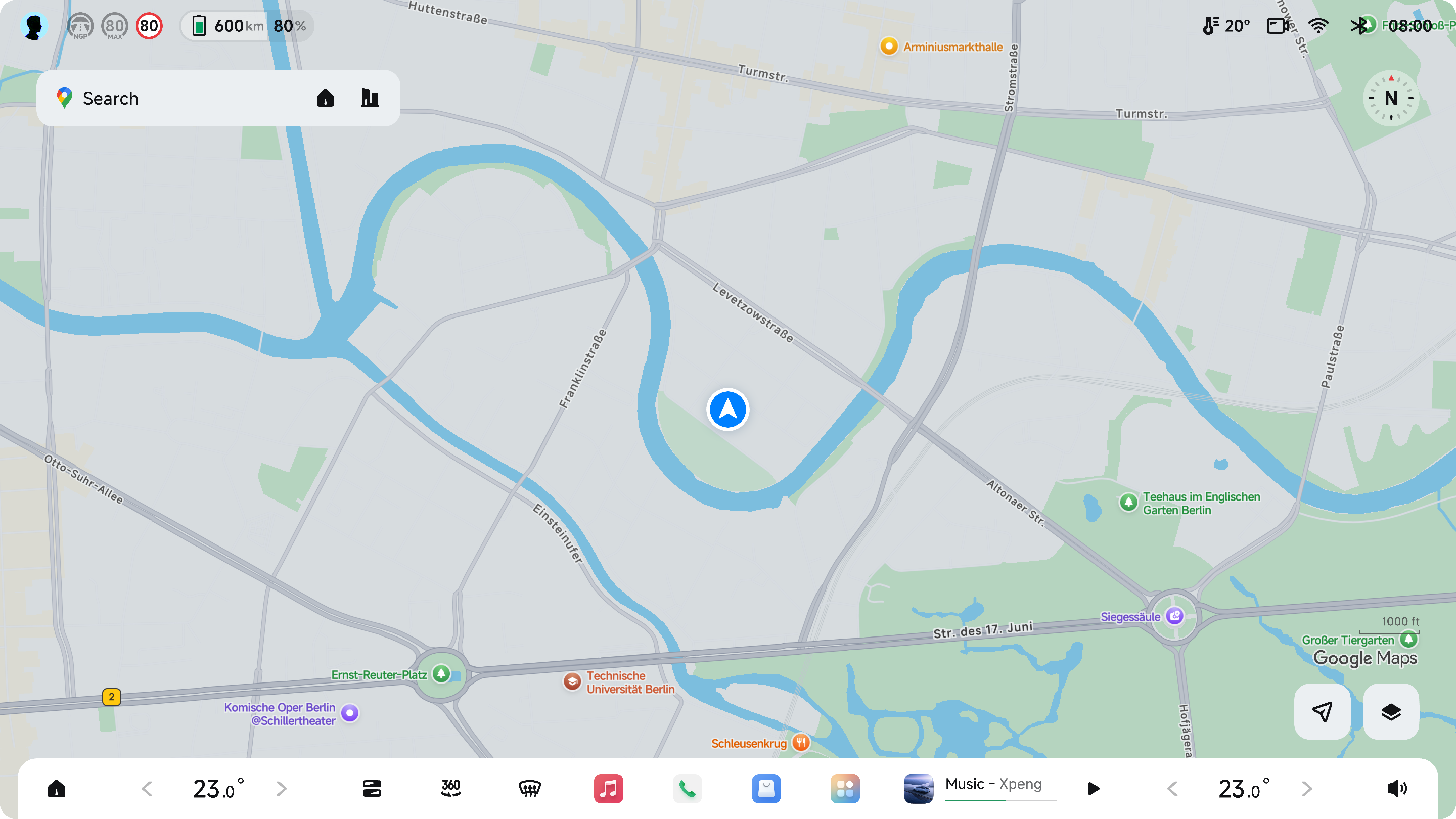 Full
Full
Initialization Screen · Dark
Map loading · Night mode
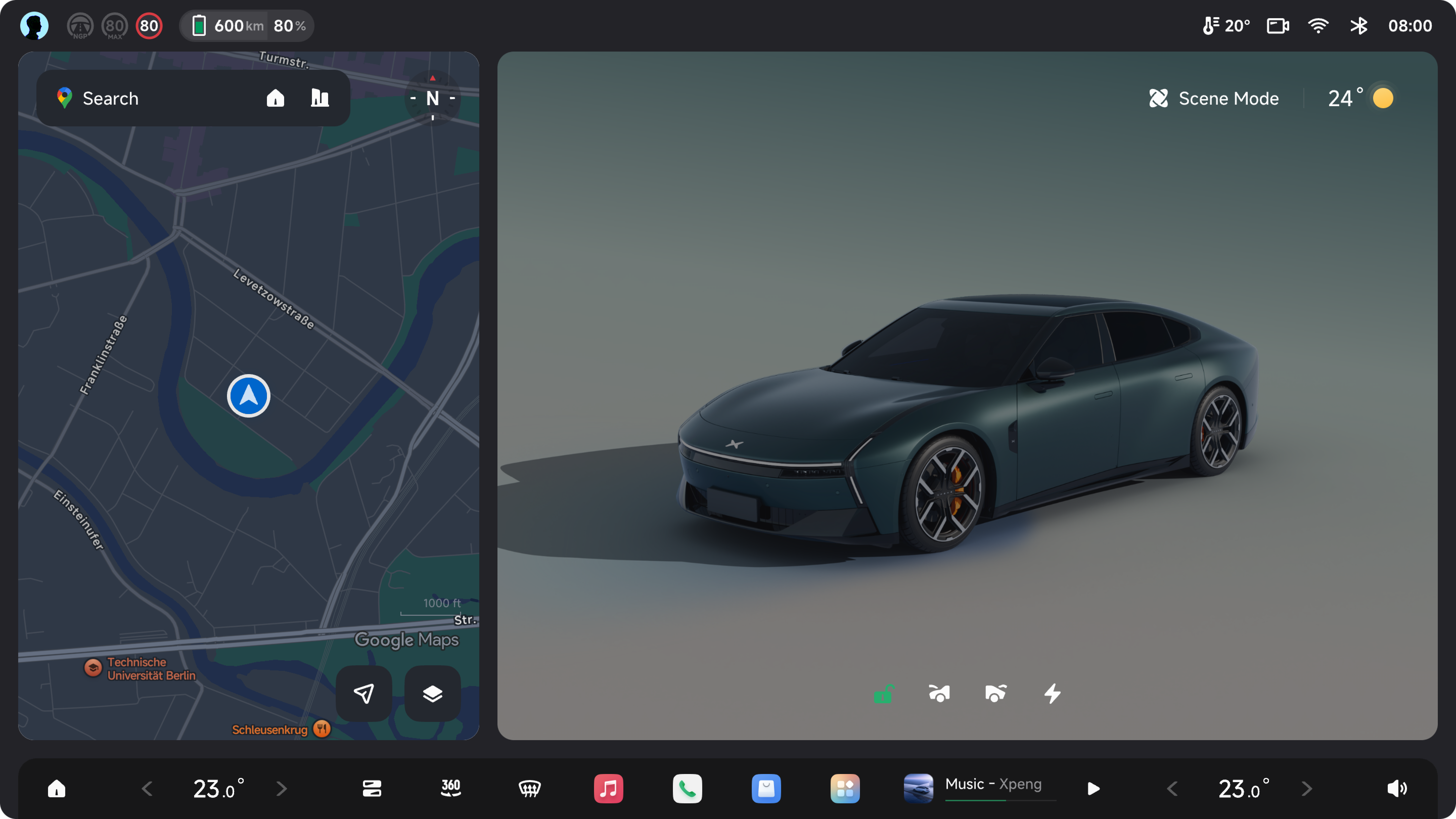 1/3
1/3
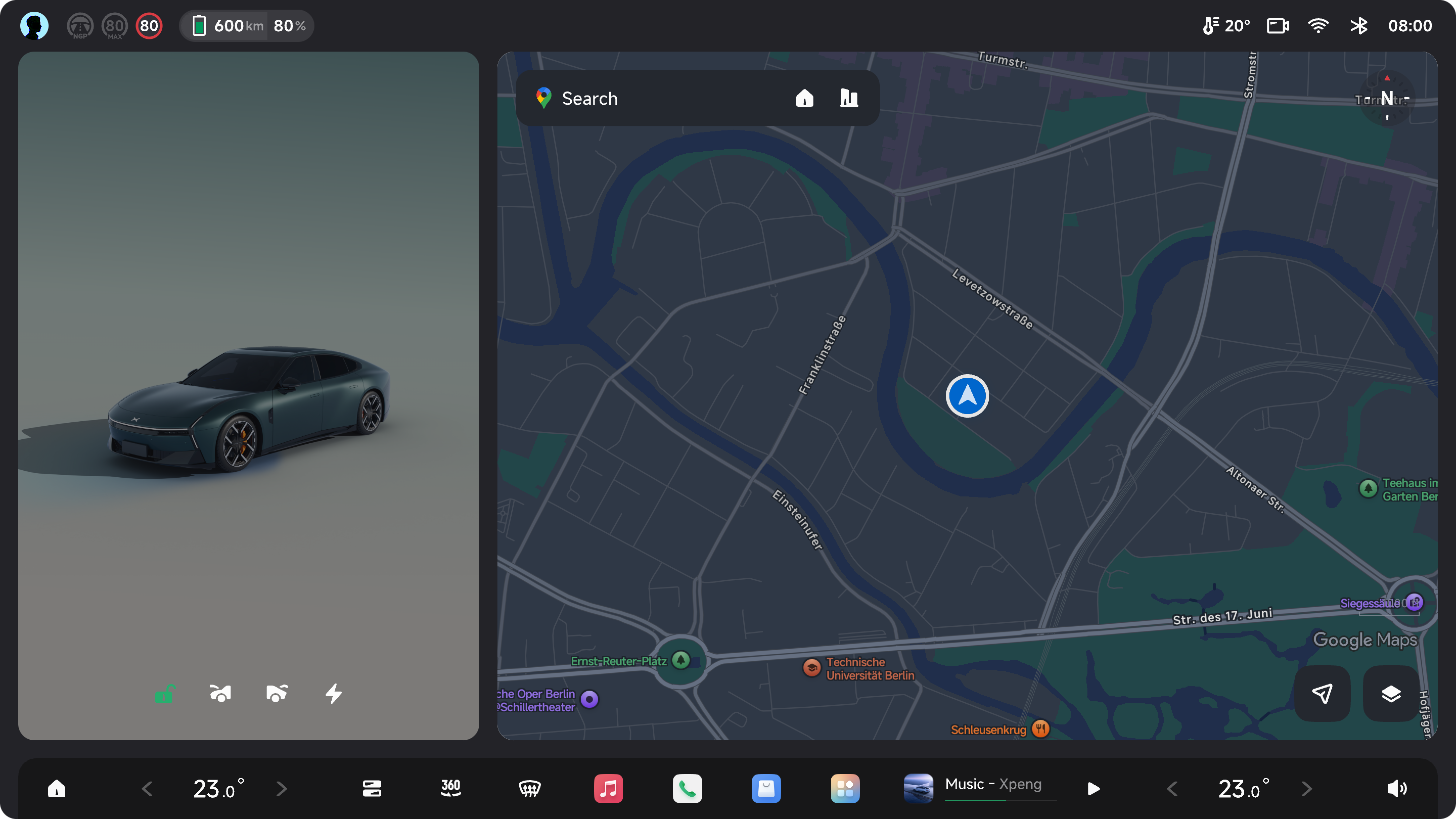 2/3
2/3
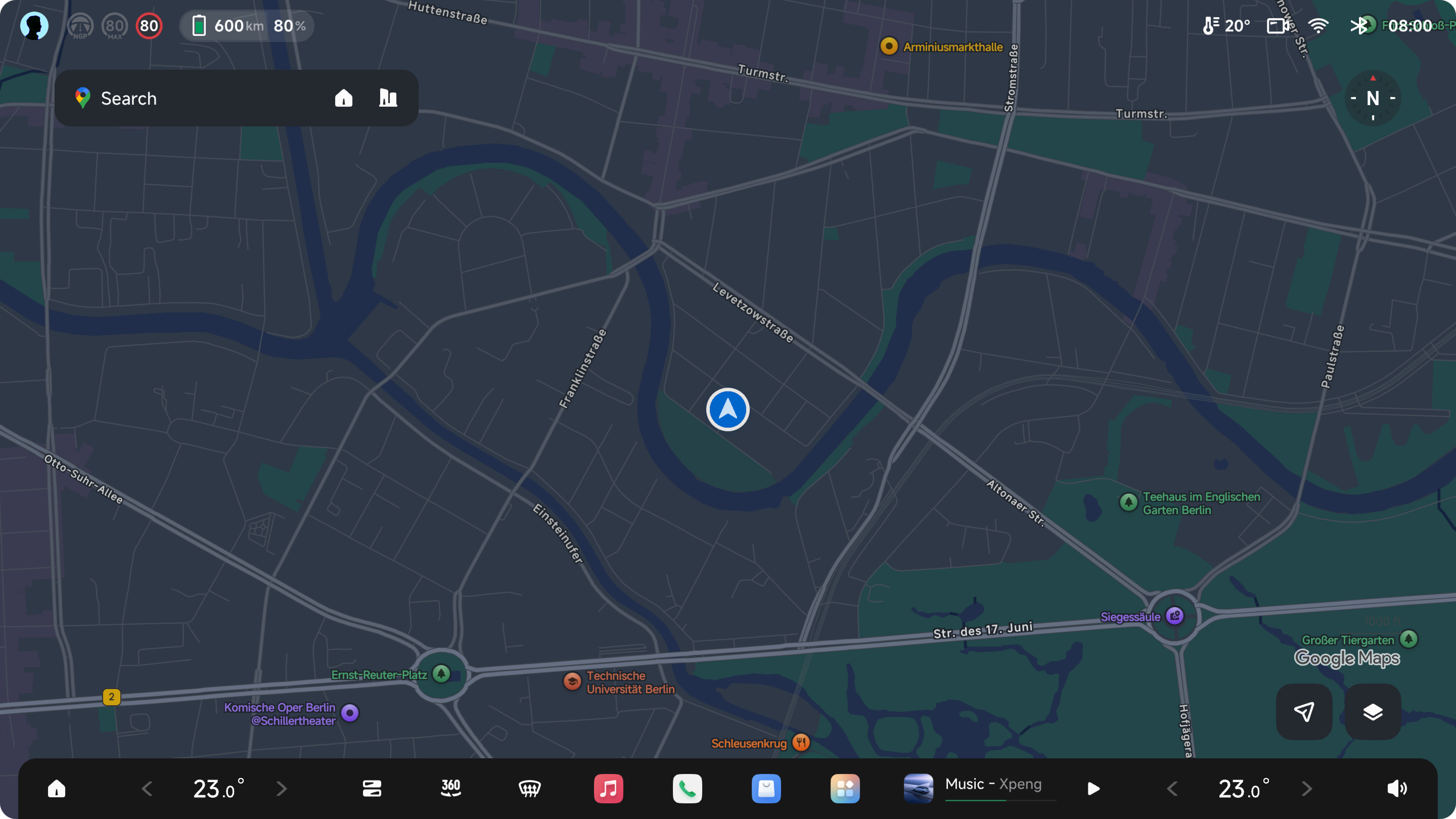 Full
Full
Satellite Map · Light
Satellite imagery · Day mode
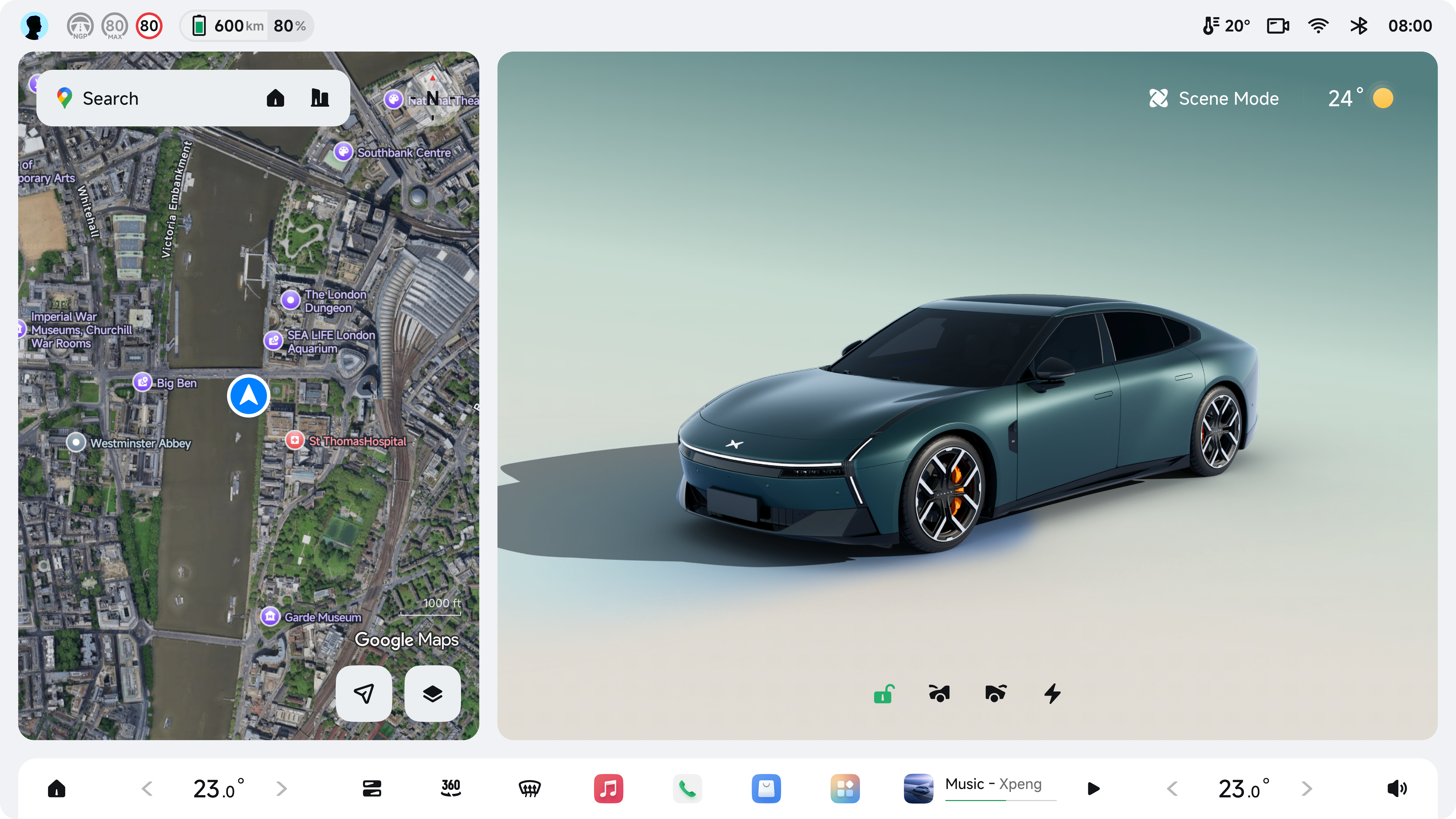 1/3
1/3
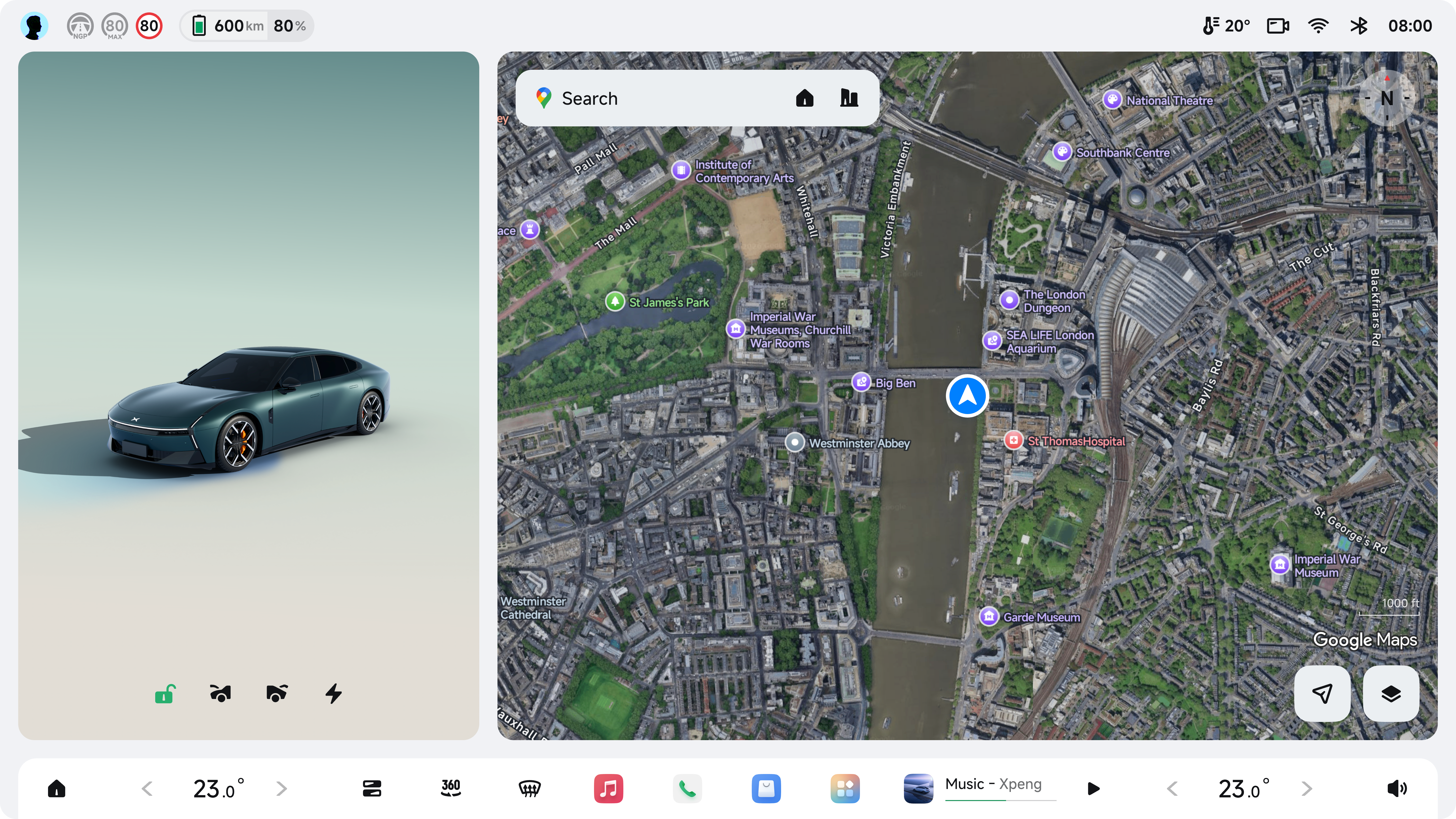 2/3
2/3
 Full
Full
Satellite Map · Dark
Satellite imagery · Night mode
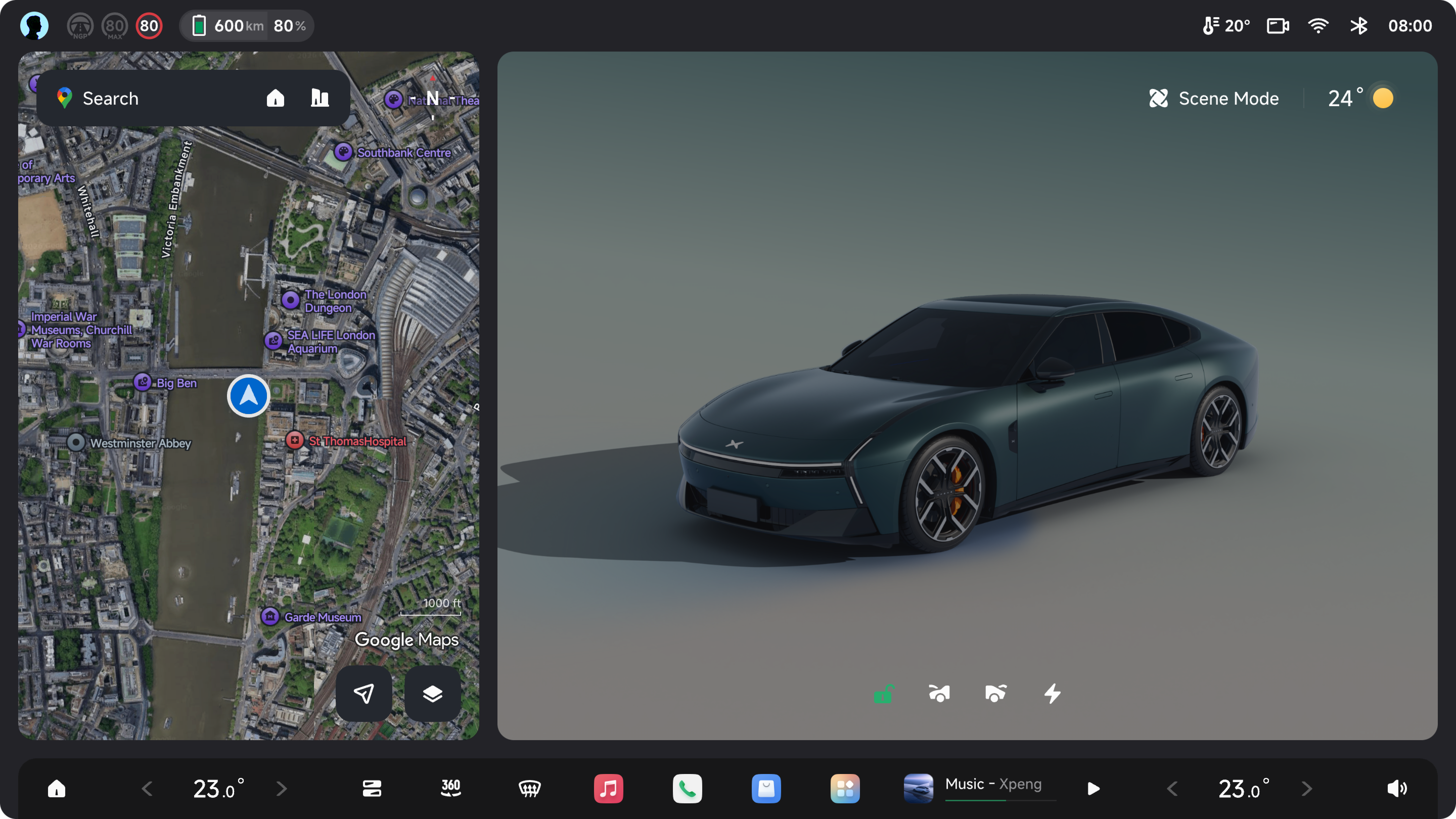 1/3
1/3
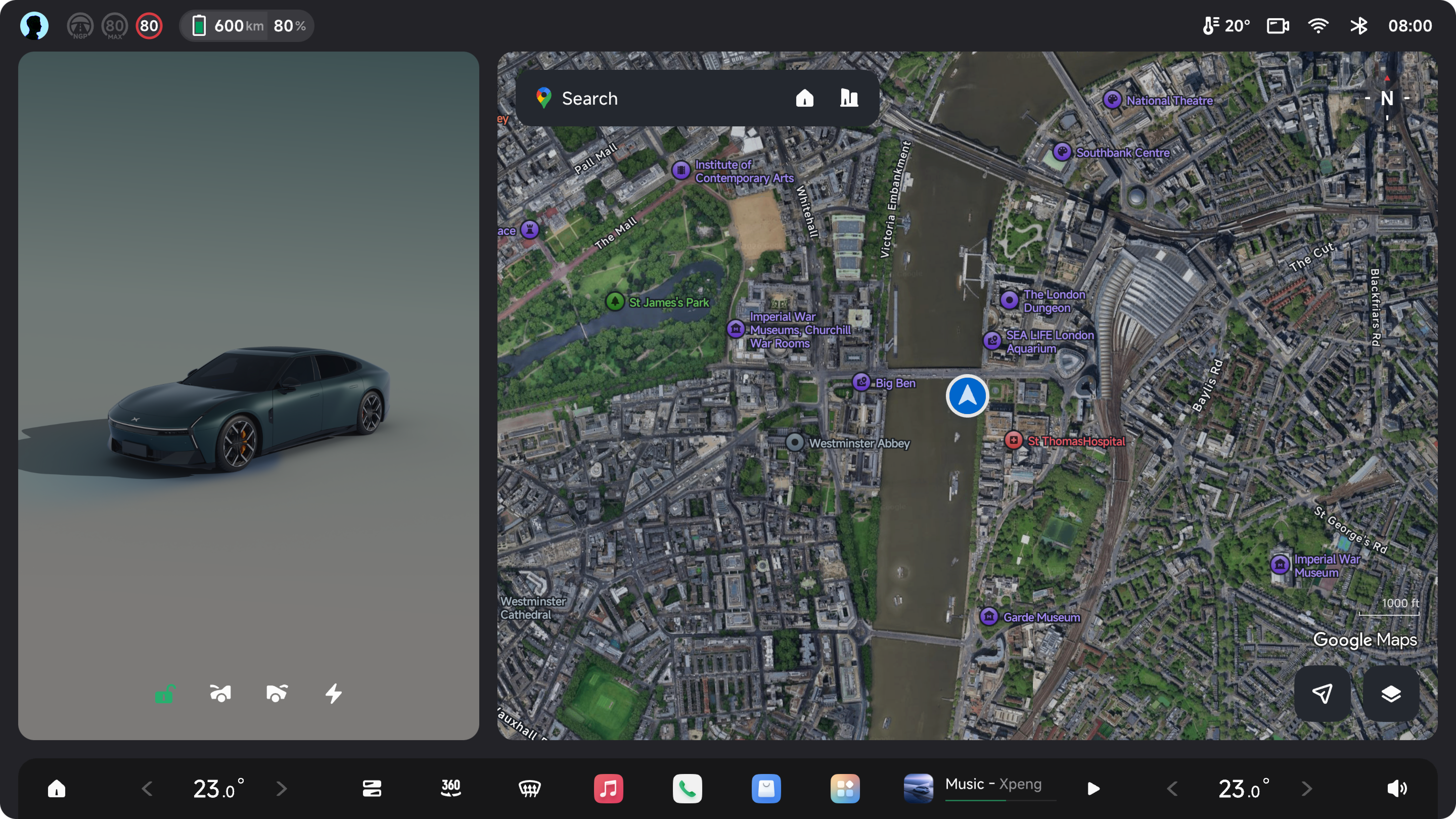 2/3
2/3
 Full
Full
Terrain Map · Light
Topographic map · Day mode
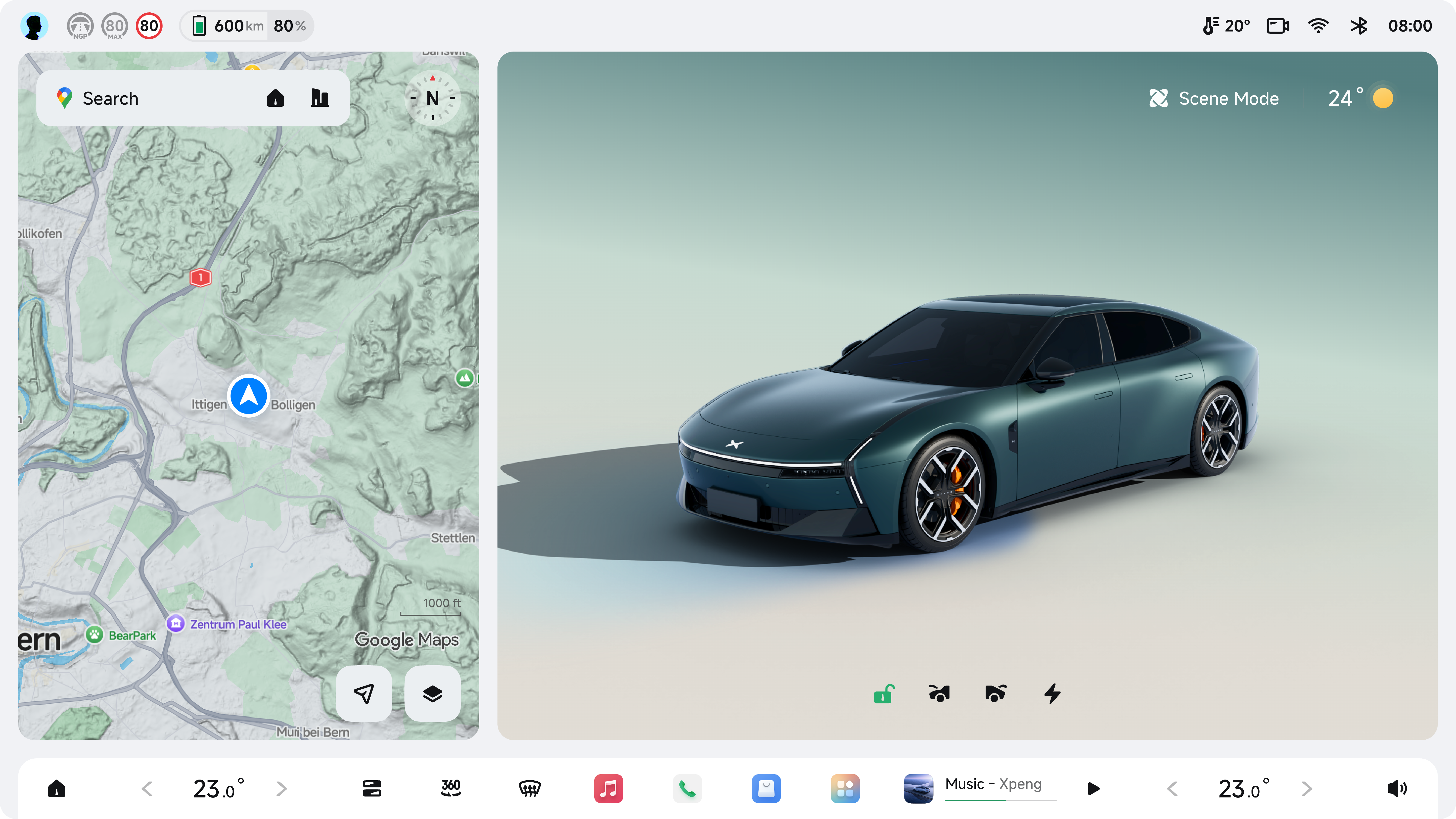 1/3
1/3
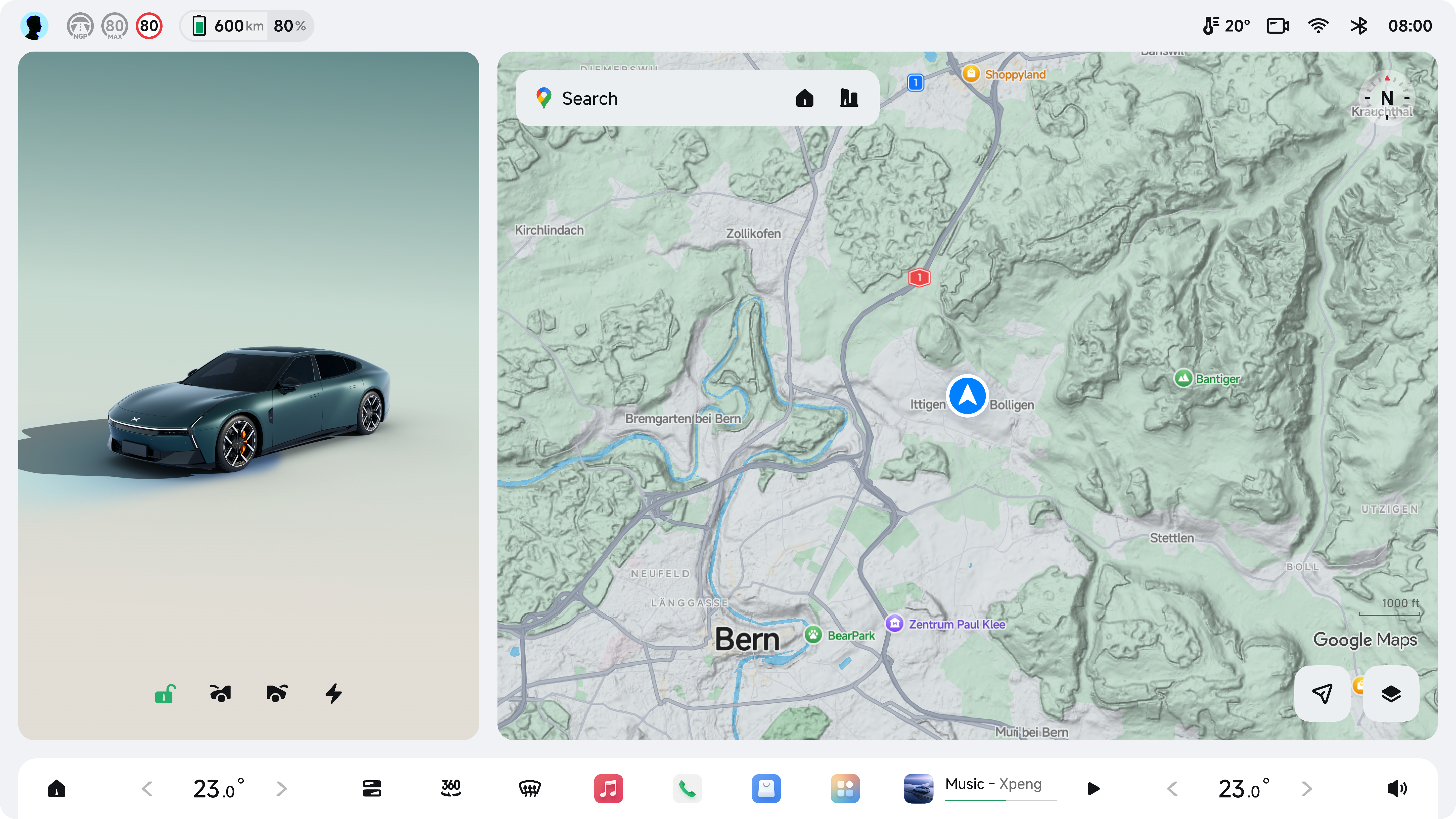 2/3
2/3
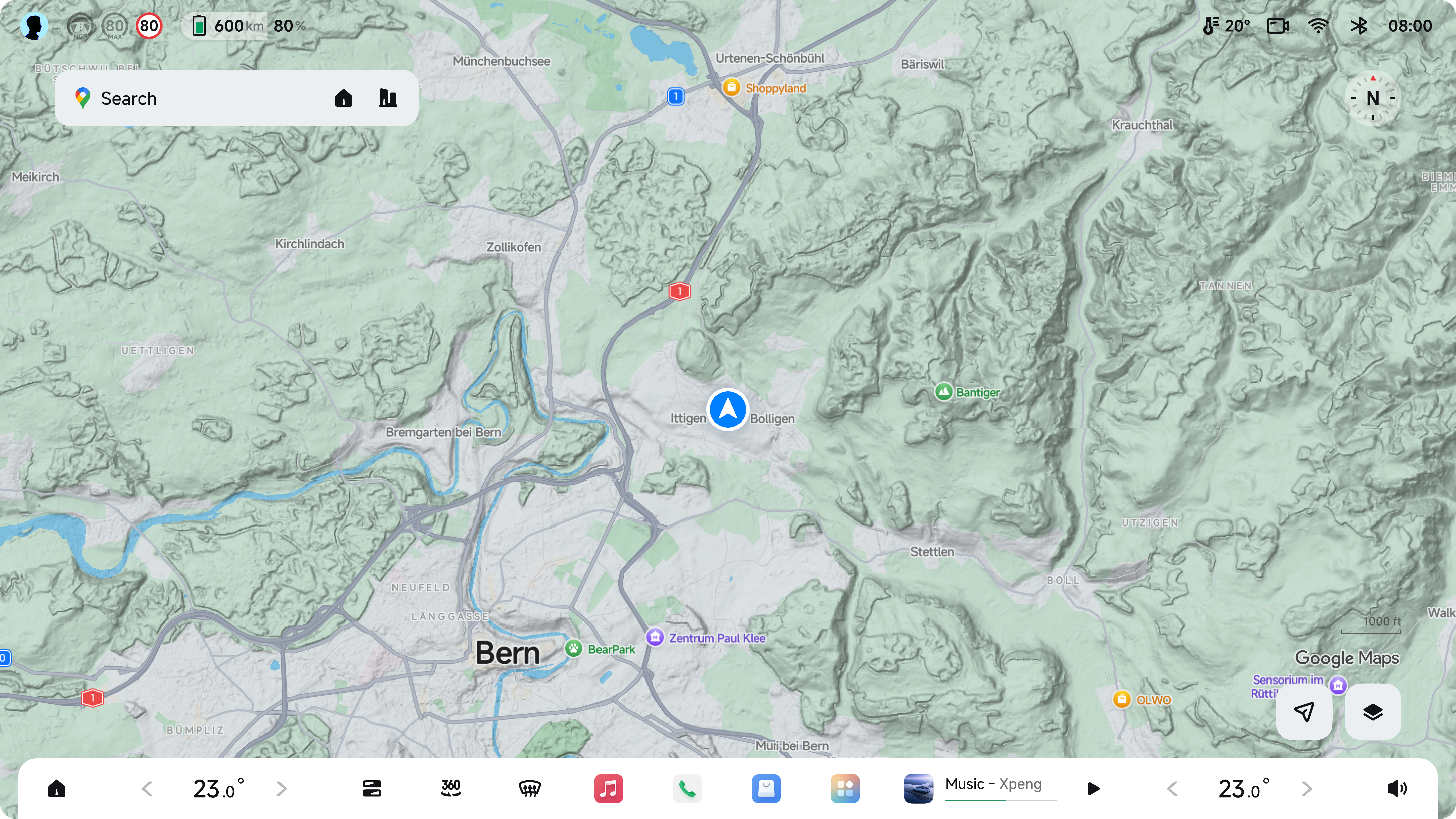 Full
Full
Terrain Map · Dark
Topographic map · Night mode
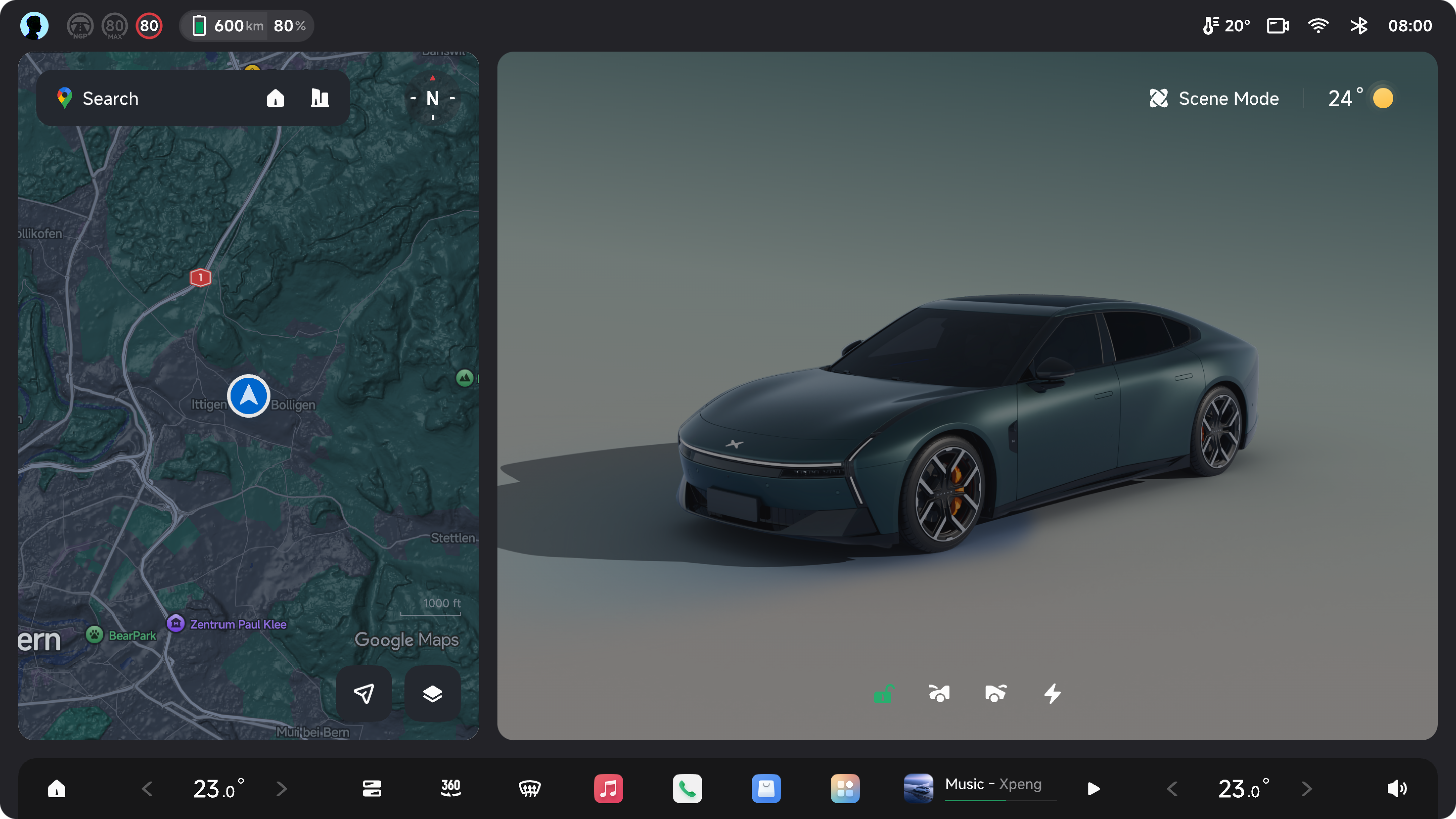 1/3
1/3
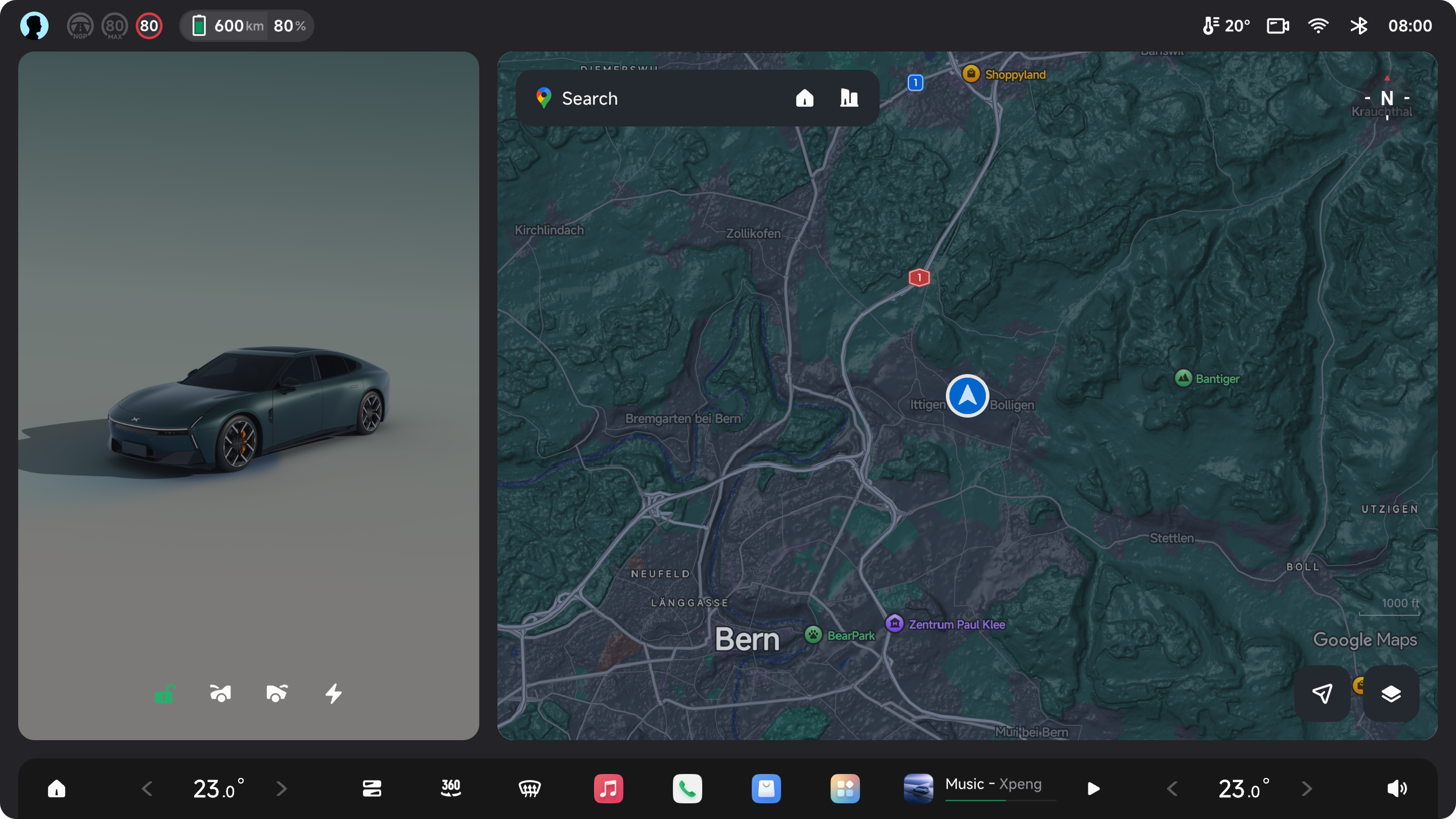 2/3
2/3
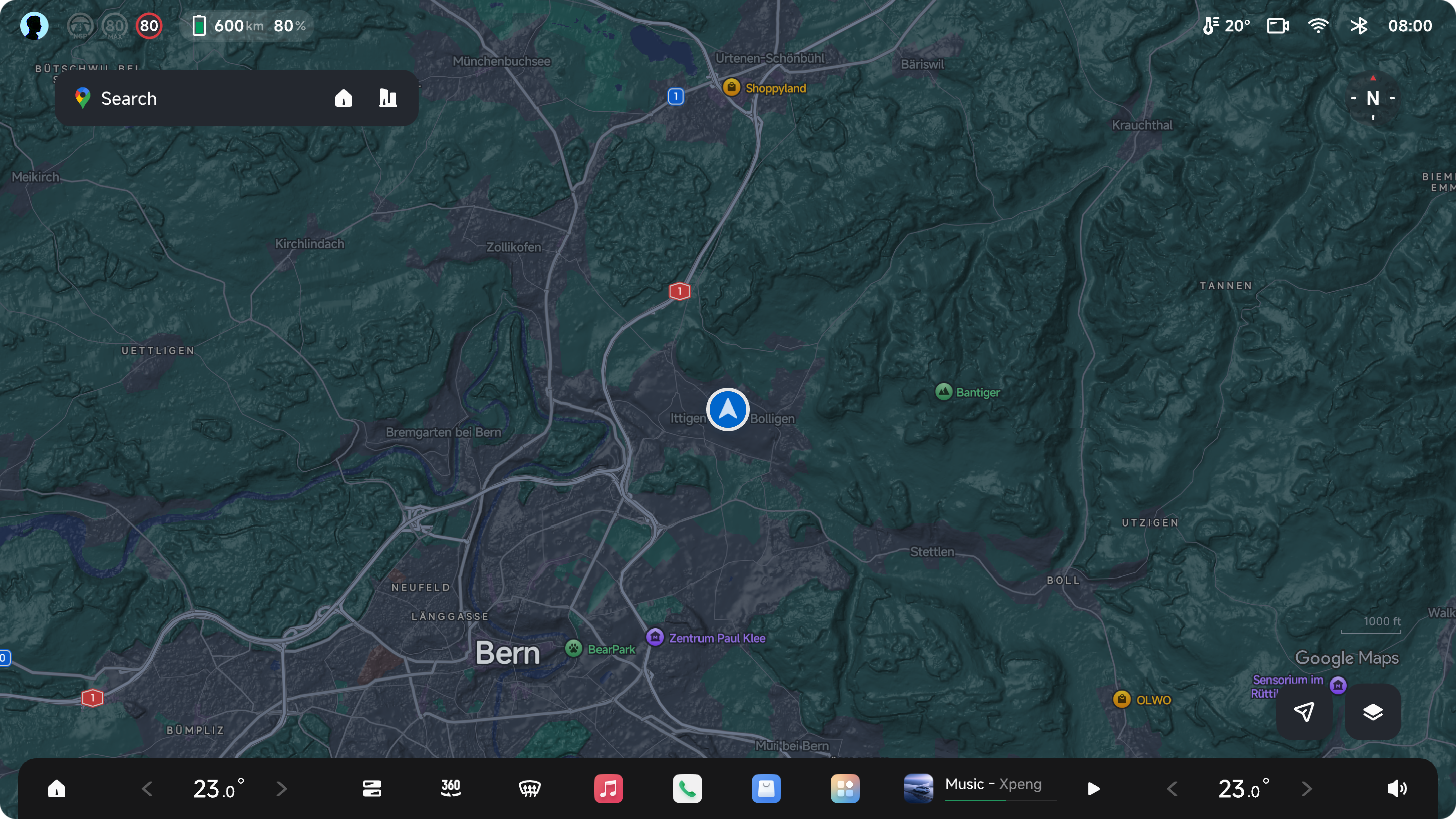 Full
Full
Search Home
Search panel active · POI suggestions displayed
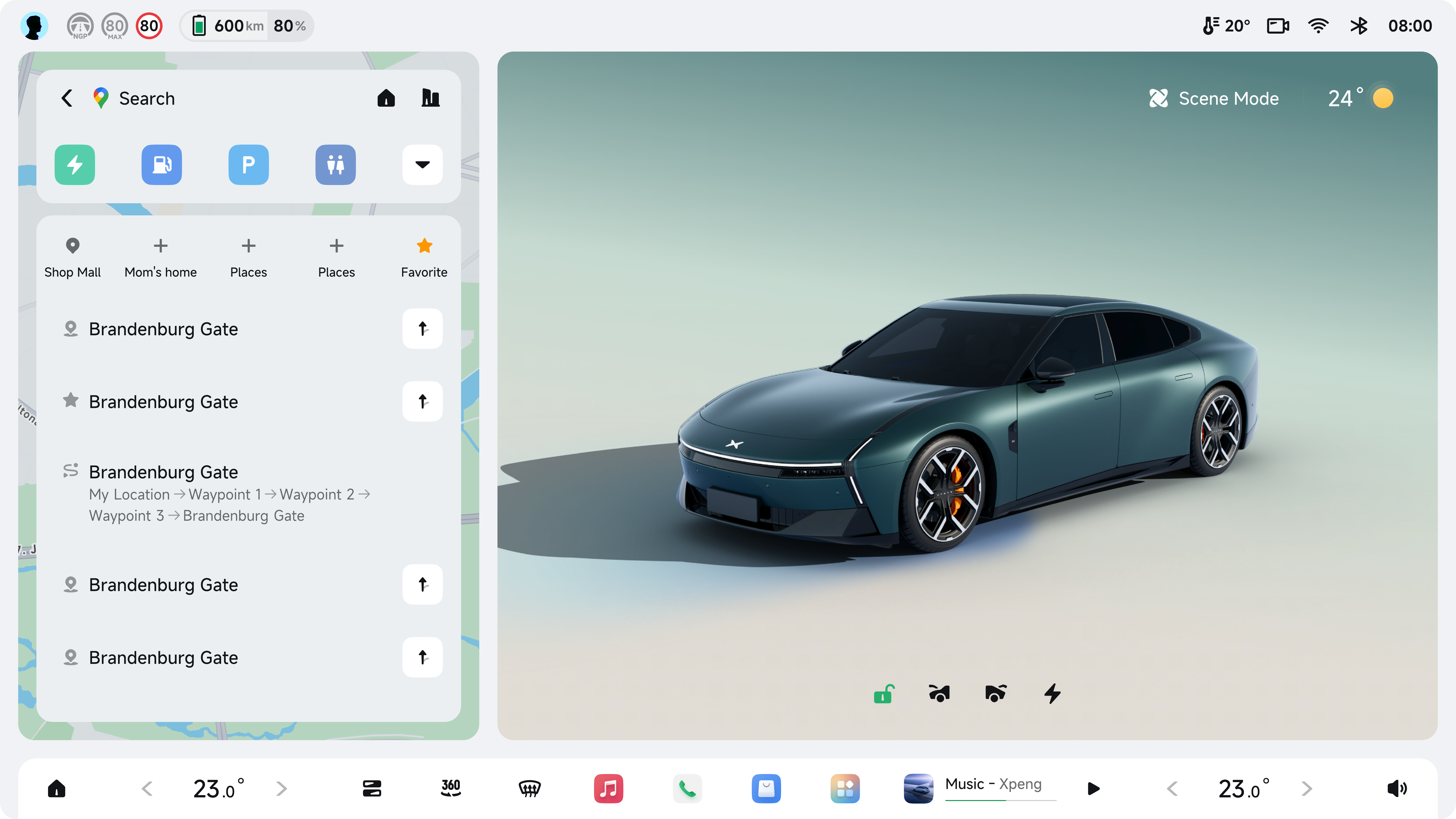 1/3
1/3
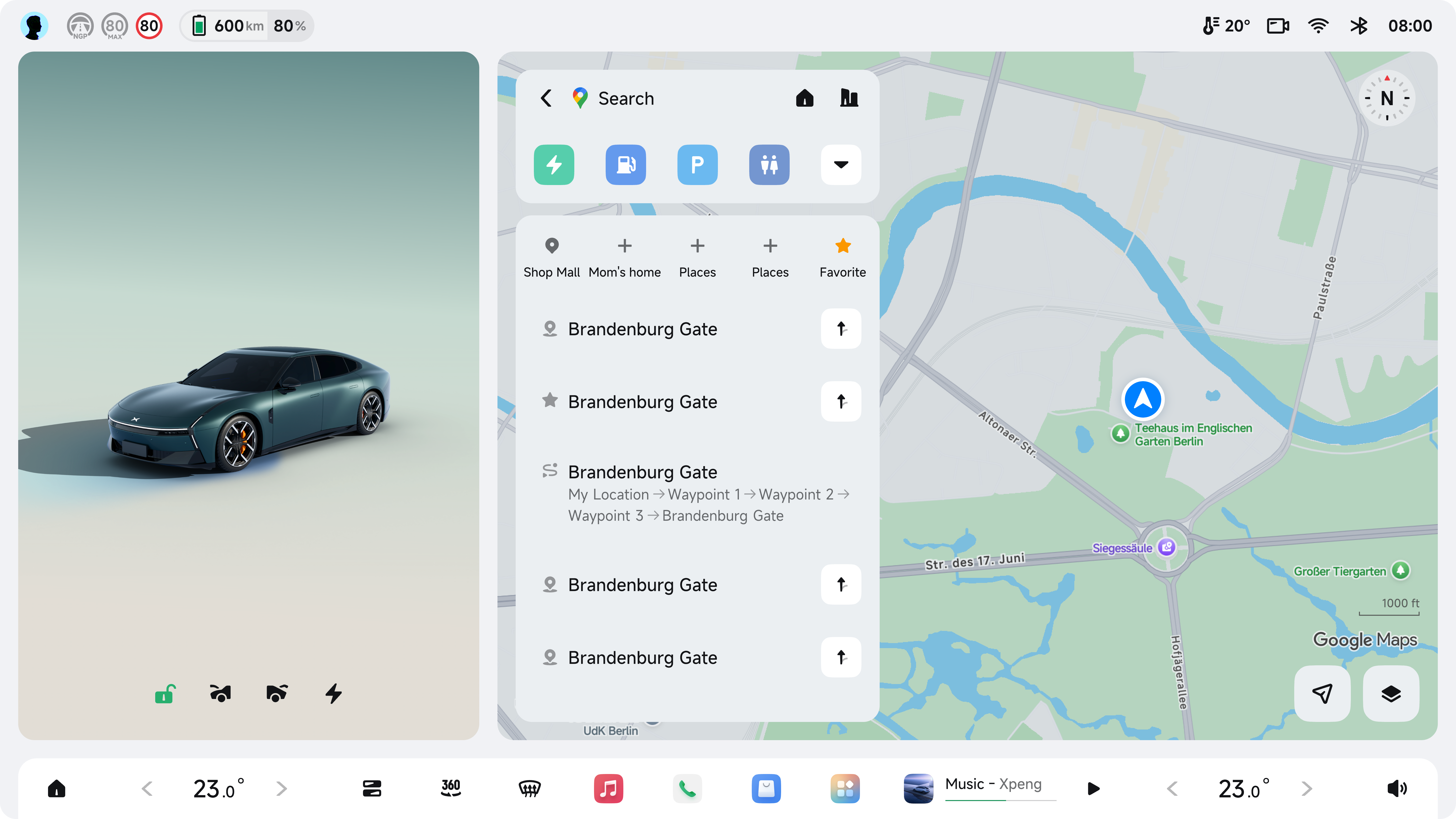 2/3
2/3
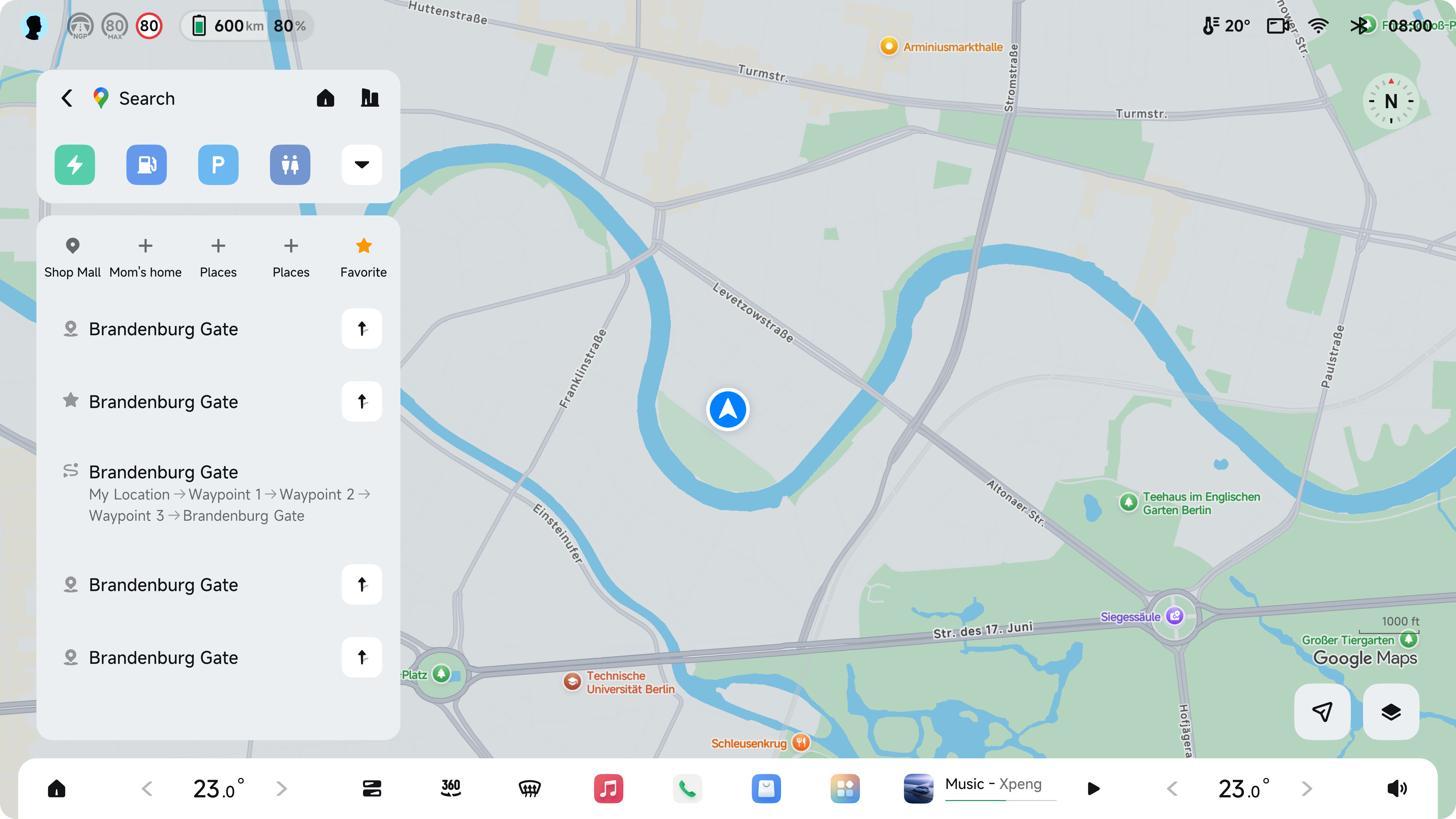 Full
Full
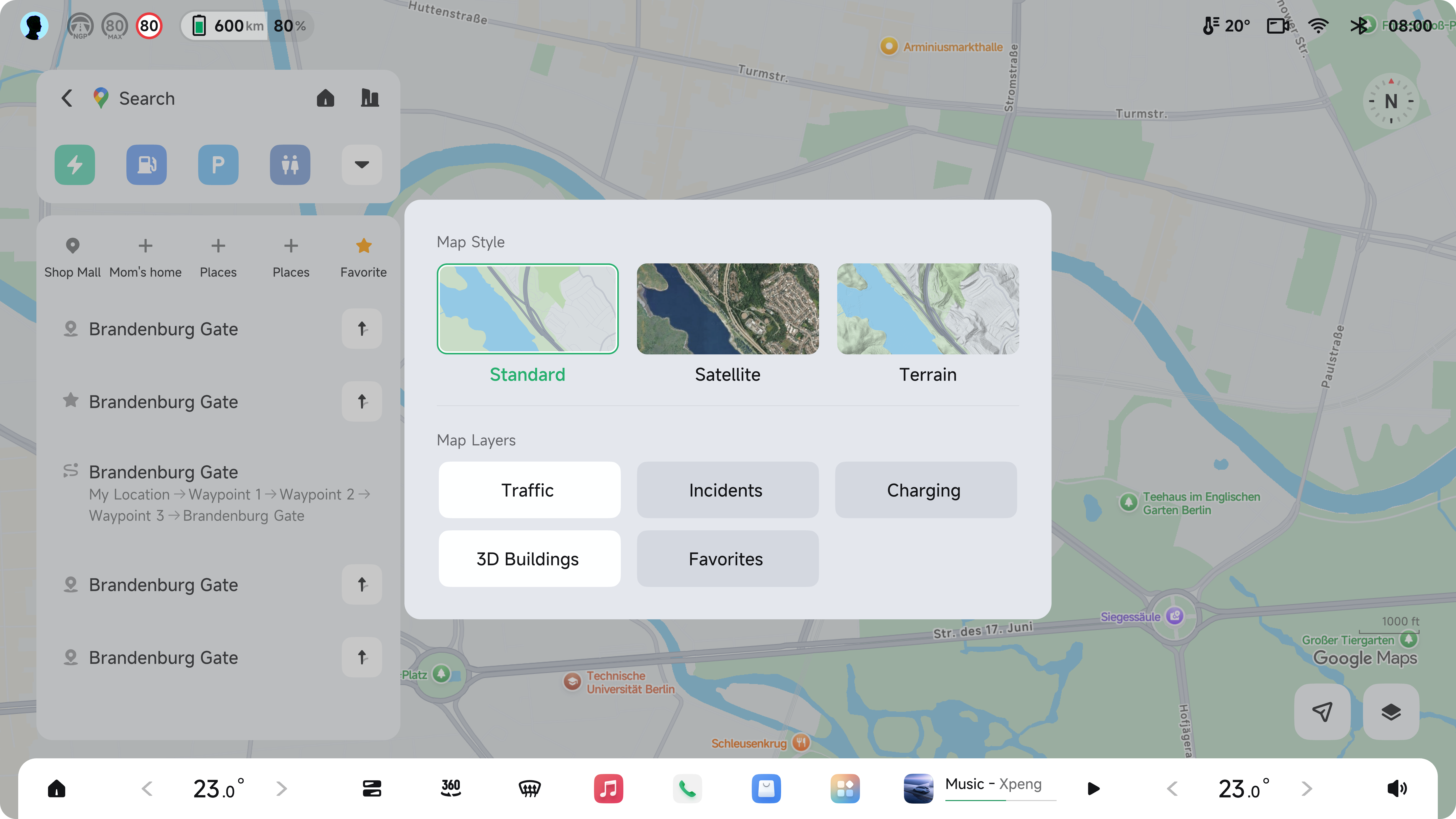
Switch Map Layers
Standard · Satellite · Terrain layer selection
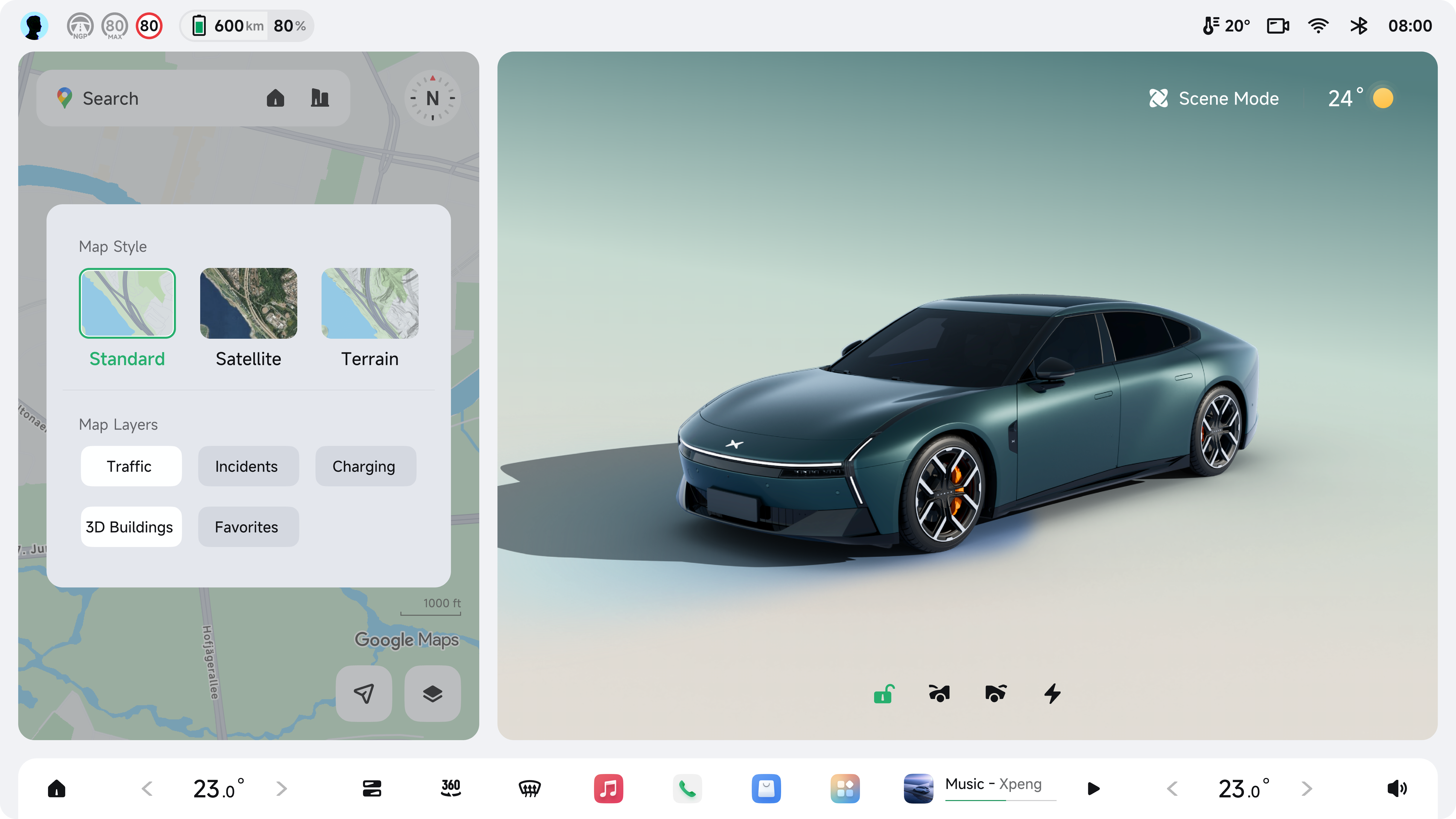 1/3
1/3
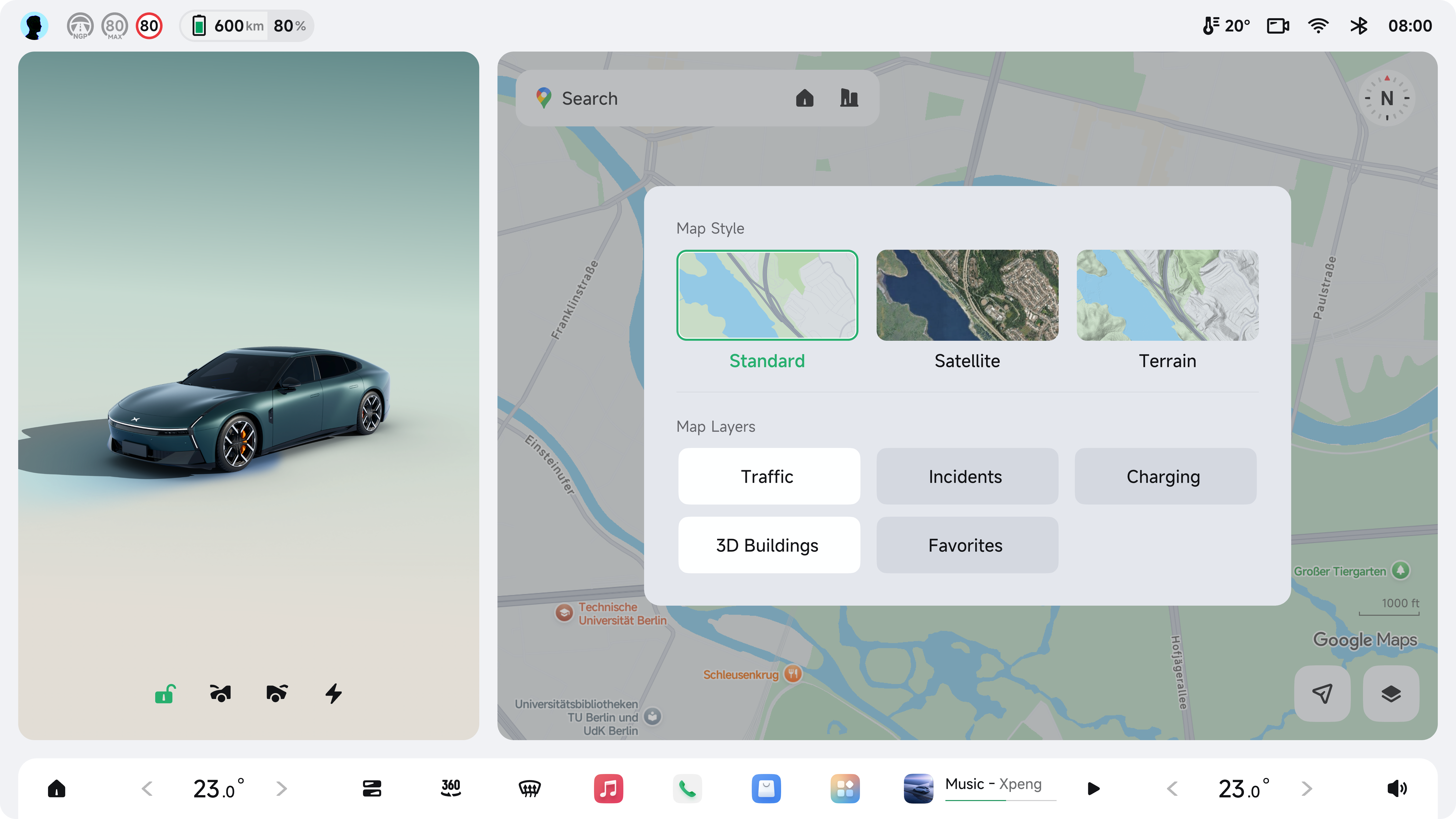 2/3
2/3
 Full
Full
02
Search
Destination input & results
— scenarios
Awaiting images for Search module
Drop images into
02Search/ and run the update script, or send the screenshots directly.1/3
2/3
Full
03
Route Planning
Route overview & departure settings
— scenarios
Awaiting images for Route Planning module
Drop images into
03Route/ folder alongside this HTML file.1/3
2/3
Full
05
Offline Maps
Download & manage map packages
— scenarios
Awaiting images for Offline Maps module
Drop images into
05Offline/ folder alongside this HTML file.Full
06
Settings
Map preferences, permissions & account
— scenarios
Awaiting images for Settings module
Drop images into
06Setting/ folder alongside this HTML file.Full
07
RtL Layout ◑ Dark Mode
Right-to-Left mirrored UI · Key screens in Dark theme
— scenarios
Awaiting images for RtL module
Drop images into
07RtL/ folder alongside this HTML file.
08
RHD Layout ◑ Dark Mode
Right-Hand Drive · Key screens in Dark theme
— scenarios
Awaiting images for RHD module
Drop images into
08RHD/ folder alongside this HTML file.